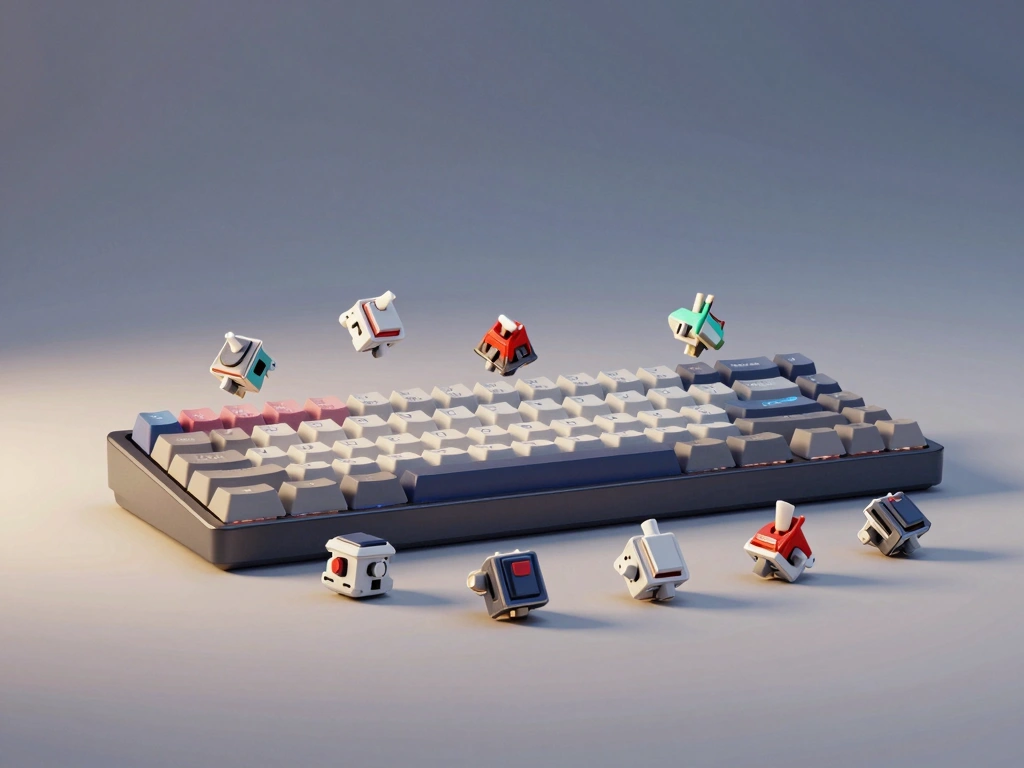
Understanding Mechanical Keyboard Switch Types
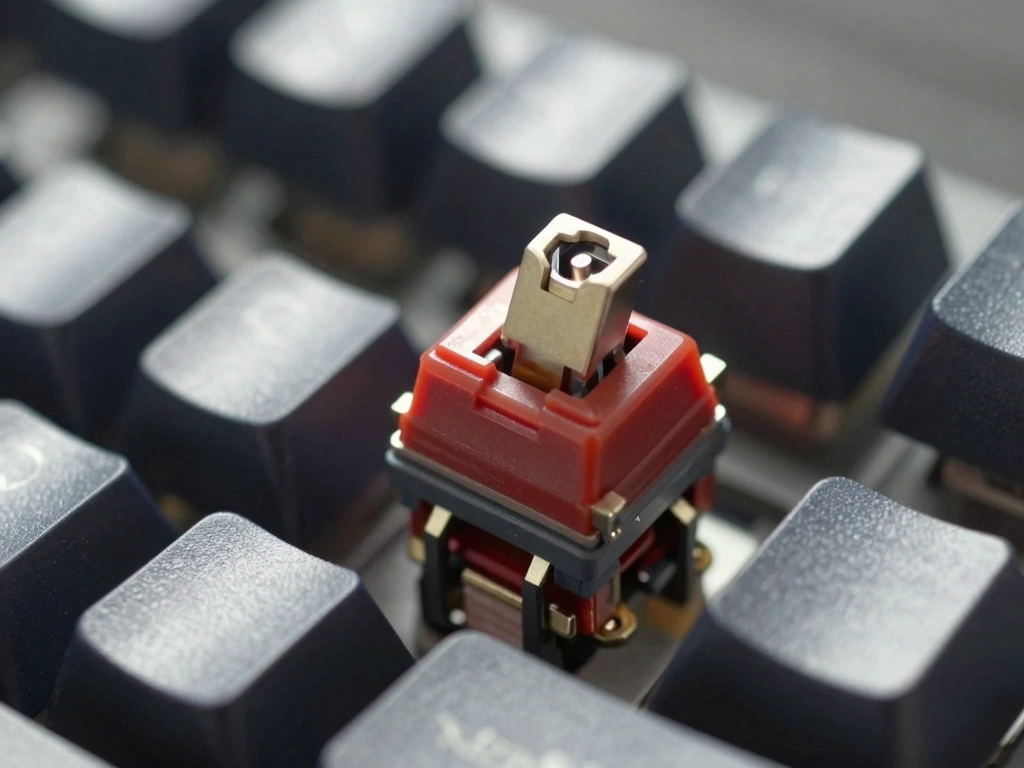
Mechanical keyboards have surged in popularity among typists due to their tactile feedback, customization options, and durability. At the heart of these keyboards are the switches, which determine the feel and performance of each keystroke. Understanding the different types of mechanical keyboard switches is crucial for selecting the ideal option for typing tasks.
Linear Switches: Smooth and Silent
Linear switches are characterized by a smooth keystroke without any tactile bump or audible click. This makes them ideal for typists who prefer a seamless typing experience. One of the most popular linear switches is the Cherry MX Red, which requires an actuation force of approximately 45 grams and features a travel distance of 2 mm before actuation and a total travel distance of 4 mm. The smooth operation of linear switches can help reduce finger fatigue during long typing sessions.
- Pros: Quiet operation, smooth keypress, less finger fatigue.
- Cons: Lack of tactile feedback may lead to more typos for some users.
Tactile Switches: Feedback for Accurate Typing
Tactile switches provide a noticeable bump at the actuation point, giving typists physical feedback when a key is pressed. This feedback can enhance typing accuracy and speed, as users can feel when a key has been actuated without needing to bottom out. The Cherry MX Brown is a popular tactile option, requiring 45 grams of actuation force and featuring a travel distance of 2 mm before actuation.
- Pros: Tactile feedback for improved typing accuracy, quieter than clicky switches.
- Cons: Some users may still prefer the smoothness of linear switches.
Clicky Switches: Auditory Feedback and Typing Satisfaction
Clicky switches are designed to provide both tactile feedback and an audible click sound when a key is actuated. This combination can enhance typing satisfaction and can be particularly enjoyable for users who appreciate auditory feedback. The Cherry MX Blue is a quintessential clicky switch, with an actuation force of 50 grams and a travel distance of 2.2 mm before actuation.
- Pros: Tactile and auditory feedback, satisfying to type on.
- Cons: Can be noisy, potentially disruptive in shared environments.
Key Features to Consider for Typists
Actuation Force: Finding Your Ideal Weight
The actuation force of a switch determines how much pressure is required to register a keystroke. For typists, finding the right actuation force is essential for comfort and efficiency. Switches generally range from 35 grams to 70 grams of actuation force. Lighter switches can facilitate faster typing, while heavier switches may help reduce accidental keystrokes.
Travel Distance: Impact on Typing Speed
Travel distance refers to how far a key must be pressed down before it registers a keystroke. Most mechanical switches have a total travel distance of around 4 mm, but the distance required for actuation can vary. Shorter travel distances can lead to faster typing speeds, as typists can actuate keys without fully bottoming out. For instance, the Kailh Speed Silver switch features a total travel distance of 3.5 mm with an actuation point of just 1.1 mm, making it a favorite among fast typists.
Durability: Lifespan of Mechanical Switches
Durability is another critical factor for typists, as mechanical switches are rated for a specific number of keystrokes before they begin to wear out. Most high-quality switches, such as Cherry MX and Gateron, are rated for approximately 50 million keystrokes. This longevity ensures that typists can rely on their keyboards for years without performance degradation.
Comparative Analysis of Popular Switch Brands
Cherry MX: The Gold Standard
Cherry MX switches are widely regarded as the gold standard in mechanical keyboard switches. Their consistent quality, availability, and variety make them a favorite among typists. Cherry MX switches come in several types, including Red, Brown, and Blue, each catering to different preferences. The reliability and smoothness of Cherry MX switches have made them a benchmark for other brands.
Gateron: A Budget-Friendly Alternative
Gateron switches offer a budget-friendly alternative to Cherry MX switches while maintaining excellent quality. Gateron is known for its smooth linear switches, such as the Gateron Red, which is comparable to Cherry MX Red, but often praised for being even smoother. Gateron switches are also available in tactile and clicky variants, making them versatile options for typists.
Kailh: Innovative Options for Diverse Preferences
Kailh switches have gained popularity due to their innovative designs and variety. They offer a range of switches tailored for specific user preferences, such as the Kailh Box White, which provides a satisfying click and is known for its dust and water resistance. Kailh’s Speed series, including the Kailh Speed Bronze, features shorter actuation distances, appealing to typists who prioritize speed.
Switch Customization and Modding for Enhanced Typing
Lubing Switches: Improving Smoothness and Sound
Lubing mechanical switches can significantly enhance the typing experience by reducing friction and noise. Many typists choose to disassemble their switches and apply a thin layer of lubricant to the moving parts. This process can make switches feel smoother and quieter. Popular lubricants include Tribosys 3204 and Krytox 205g0, which are favored for their performance and consistency.
Switch Replacement: Exploring Custom Options
Many mechanical keyboard enthusiasts enjoy customizing their keyboards by replacing stock switches with more suitable options. This can involve swapping out switches for ones that provide a different feel or sound. Brands like ZealPC offer high-end switches that are known for their exceptional smoothness and unique characteristics. By exploring custom options, typists can tailor their keyboards to their specific preferences.
Keycap Choices: Aesthetic and Functional Considerations
Keycap selection can also impact the typing experience. Keycaps are available in various materials, heights, and profiles, such as SA, DSA, and Cherry profile. The choice of keycap affects not only the aesthetics of the keyboard but also the feel of the keys. For instance, higher-profile keycaps may provide a satisfying feel for some typists, while others may prefer the more subtle feel of lower-profile options.
Final Recommendations for Typists
Best Switches for Professional Typists
For professional typists who spend hours at the keyboard, tactile switches like the Cherry MX Brown or the Gateron Brown are often recommended. These switches provide a good balance of feedback and comfort, allowing for accurate typing without excessive noise.
Best Switches for Casual Users
Casual users who want a comfortable typing experience may prefer linear switches such as the Cherry MX Red or Gateron Red. These switches are smooth and quiet, making them suitable for a variety of tasks, including writing, browsing, and casual gaming.
Switches for Specific Typing Needs: Gaming vs. Typing
For users who engage in both typing and gaming, the choice of switches can depend on personal preference. Tactile switches like Kailh Brown can offer a great balance for both activities, while linear switches like Kailh Speed Silver may cater more to gamers who prioritize rapid key presses. Ultimately, the right switch for typing and gaming will depend on individual preferences and typing style.